
Clip any YouTube video — automatically
YouTube retired its built-in Clips tool. Short.now replaces it: paste any YouTube link and the AI cuts the best moments into captioned, shareable clips you can post anywhere.
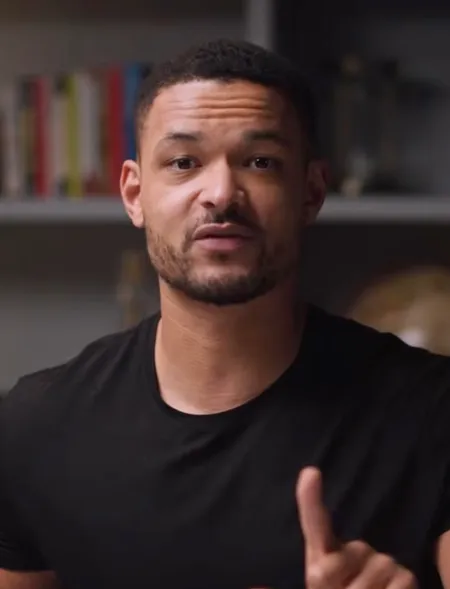
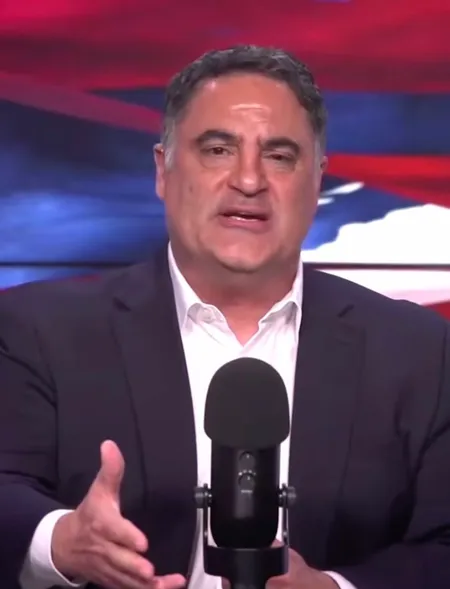
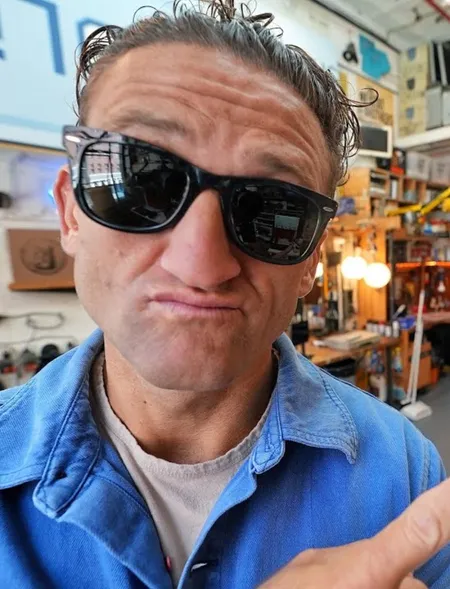






From video to published — in four steps
Paste your YouTube link
Drop in any public YouTube URL. Short.now fetches the video automatically — no download, no re-upload.
AI finds the clip-worthy moments
The AI scans the full video and identifies the segments worth clipping: strong hooks, key points, and standout moments.
Pick and customize your clips
Review ranked clips, adjust the start and end points, and edit the auto-generated captions to taste.
Download or publish
Export clean, watermark-free clips or publish them straight to Shorts, TikTok, and Reels.
Everything you need, nothing you don't
Link-to-clip in one step
Paste a YouTube URL and get back ready clips — no editor, no timeline scrubbing, no manual file handling.
Precise trim control
Fine-tune the in and out points of any clip to the exact frame after the AI does the heavy lifting.
Auto captions
Every clip comes with accurate, word-by-word animated captions synced to the audio.
Any aspect ratio
Export clips in 9:16, 1:1, or 16:9 — ready for Shorts, feed posts, or wide players.
Common questions about YouTube Clip Maker
YouTube's native Clips feature was limited and has been removed for many use cases. Short.now is a full replacement: it makes downloadable, captioned, reframed clips from any YouTube video — not just short shareable links tied to the YouTube player.
No. Paste the URL and Short.now handles fetching and processing the video for you.
You can process any public YouTube URL, but you're responsible for respecting copyright and fair-use rules when you publish clips you didn't create.
Yes. Clips export without a watermark, even on the free plan.
Start clipping YouTube videos today
No editor needed. No credit card. Three free videos every month.
Get started free