
How to Upload YouTube Shorts (Phone and Desktop)
Step-by-step ways to upload a YouTube Short from the app or from YouTube Studio, plus the shape and length rules that decide whether your video counts as a Short.
Read article →Repurposing strategies, platform tactics, and AI tools for turning one video into a week of content.
Step-by-step ways to upload a YouTube Short from the app or from YouTube Studio, plus the shape and length rules that decide whether your video counts as a Short.
Read article →
Subtitles give viewers the words; closed captions add the sounds and let viewers switch them off. Here is how open captions and SDH fit in, and which to use for your videos.
Read article →
How to add and edit auto captions on TikTok before posting, change a post caption after posting with Edit post, and turn captions on or off as a viewer.
Read article →
How to repost your own TikToks as YouTube Shorts: getting a file without the watermark, replacing TikTok sounds, fitting the 3-minute limit and uploading from your phone or in bulk.
Read article →
How to repost your own Instagram Reels as YouTube Shorts: getting a clean file without the watermark, fitting the 3-minute limit, replacing Instagram music, and uploading from your phone or in bulk.
Read article →
Add chapters to any YouTube video on a computer or phone, use the exact timestamp format YouTube accepts, control automatic chapters and fix chapters that do not show.
Read article →
How to turn your own YouTube video or Short into an Instagram Reel: getting the file, cutting it to 3 minutes, making it vertical, captions, uploading, and sharing the link instead.
Read article →
How to add or edit a description on YouTube Shorts from a computer or phone, what the description actually does for a Short, and copy-paste templates.
Read article →
What tags do on YouTube Shorts, how to add them on a computer or phone, the 500-character limit, and how tags differ from hashtags.
Read article →
CapCut Pro now costs $19.99 a month, and auto captions are behind the paywall. Here are the best CapCut alternatives for phone, desktop and browser, with the free-plan limits, watermark rules and prices checked on each vendor's own site.
Read article →
Is CapCut free, and how much is CapCut Pro? The current Pro price, what the free plan includes on mobile, desktop and web, when CapCut adds a watermark, and whether it is still available in the US.
Read article →
The standard YouTube video size is 1920 × 1080 pixels at a 16:9 aspect ratio. Here are the dimensions for every resolution from 240p to 8K, YouTube's recommended export settings, and what happens with vertical or square video.
Read article →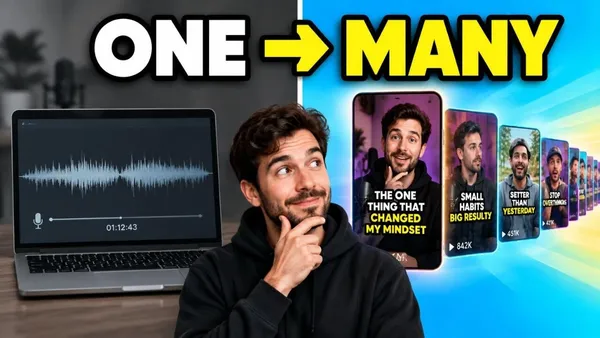
You can now upload a custom thumbnail for a Short in YouTube Studio on a computer. Here are the steps, the 9:16 size, who is eligible, and what to do on a phone.
Read article →
Fourteen thumbnail layouts that work, matched to the kinds of videos they suit: reaction, versus, before and after, list, cinematic, podcast and more. Plus a five-step way to make one and the five checks every thumbnail should pass.
Read article →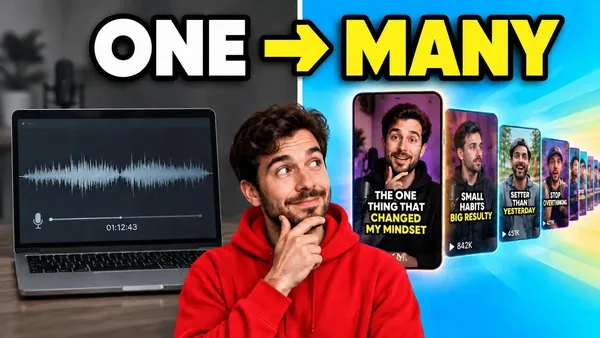
YouTube now recommends 3840 × 2160 pixels at 16:9 for video thumbnails and 2160 × 3840 at 9:16 for Shorts. Here are the minimums, file size limits, formats, and why 1280 × 720 still works.
Read article →
The right Instagram Reels size is 1080 × 1920 pixels at a 9:16 aspect ratio, and Reels up to 3 minutes can be recommended to new viewers. Here are the full specs, the safe zone for captions, and the cover size.
Read article →
The right TikTok video size is 1080 × 1920 pixels at a 9:16 aspect ratio. TikTok records up to 10 minutes in the app and accepts longer uploads on many accounts. Here are the full specs and the safe zone for captions.
Read article →
YouTube Shorts can be up to 3 minutes long. Here are the exact limits, the catches that apply past the 60-second mark, and the length that actually holds viewers.
Read article →
YouTube stopped letting viewers create new Clips in April 2026. Here is what replaced the Clip button, and four ways to clip a YouTube video now: timestamp links, YouTube Studio, a video editor, or an AI clipper.
Read article →
The right YouTube Shorts size is 1080 × 1920 pixels at a 9:16 aspect ratio. Here are the full export specs, the safe zones for captions, and how to fix a horizontal video.
Read article →
A complete guide to AI clipping — how to turn long videos into short, captioned vertical clips automatically. Covers how it works, manual vs AI, a step-by-step, what makes a clip work, and platform specs.
Read article →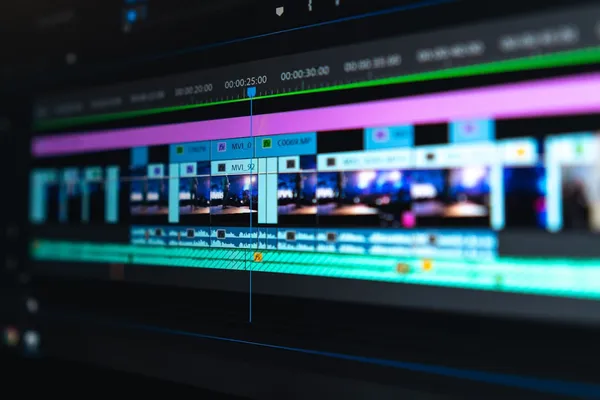
The best free AI clip makers that export without a watermark in 2026 — compared on free-tier limits, captions, reframing, and which one actually lets you build a workflow for free.
Read article →
How to repurpose YouTube videos into TikToks, Shorts, and Reels — a step-by-step workflow for turning one long upload into a week of cross-platform short-form content.
Read article →
Opus Clip vs Vizard compared for 2026 — AI clip quality, workflow, captions, pricing, and which AI video clipping tool fits your content. Plus a cheaper alternative to both.
Read article →Short.now handles the editing. You handle the ideas.
Try it free — no card needed